Premium
- Drafts created automatically
- Preview every post
- Download your drafts

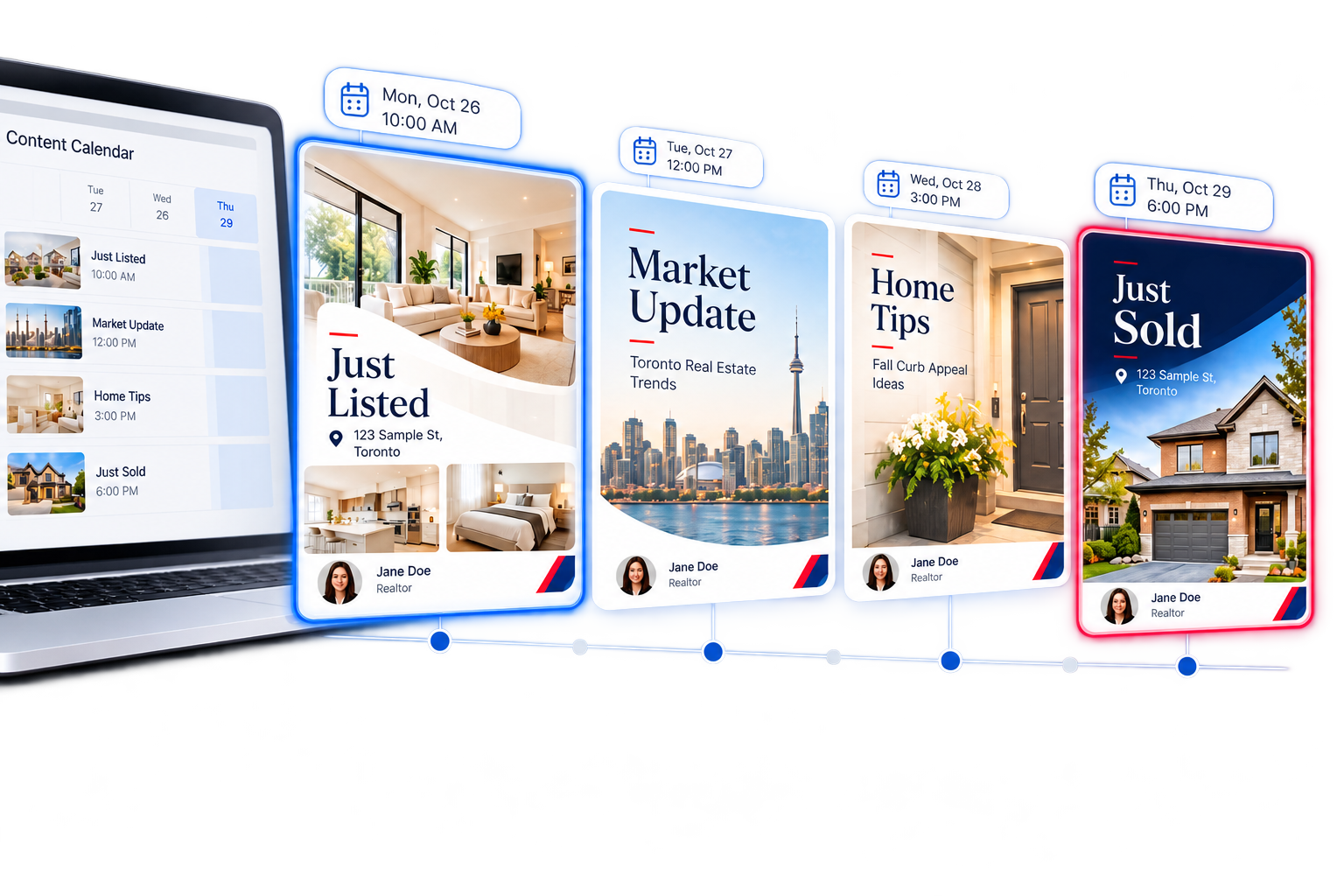
Drafted in your Content Calendar.
Automatically.
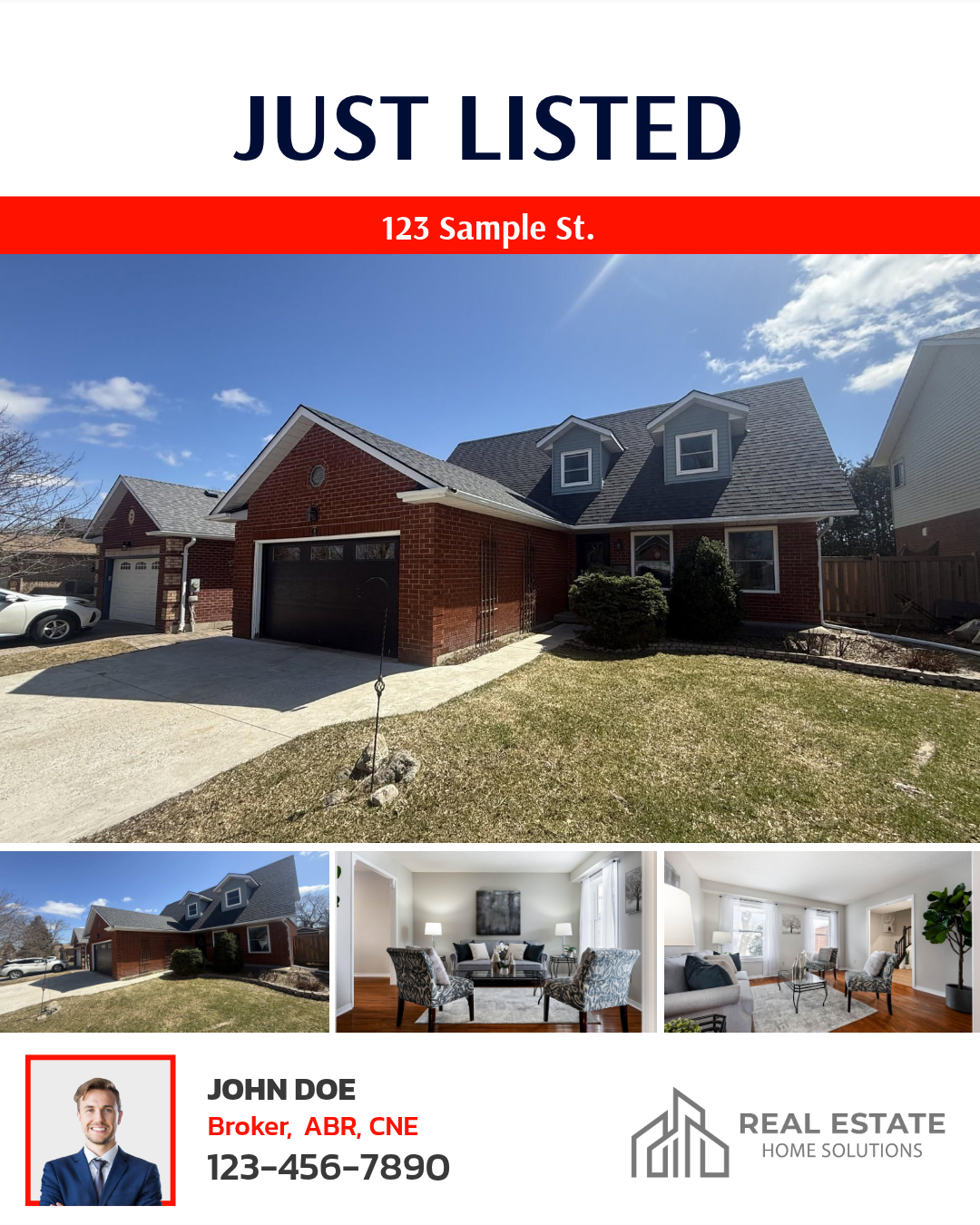
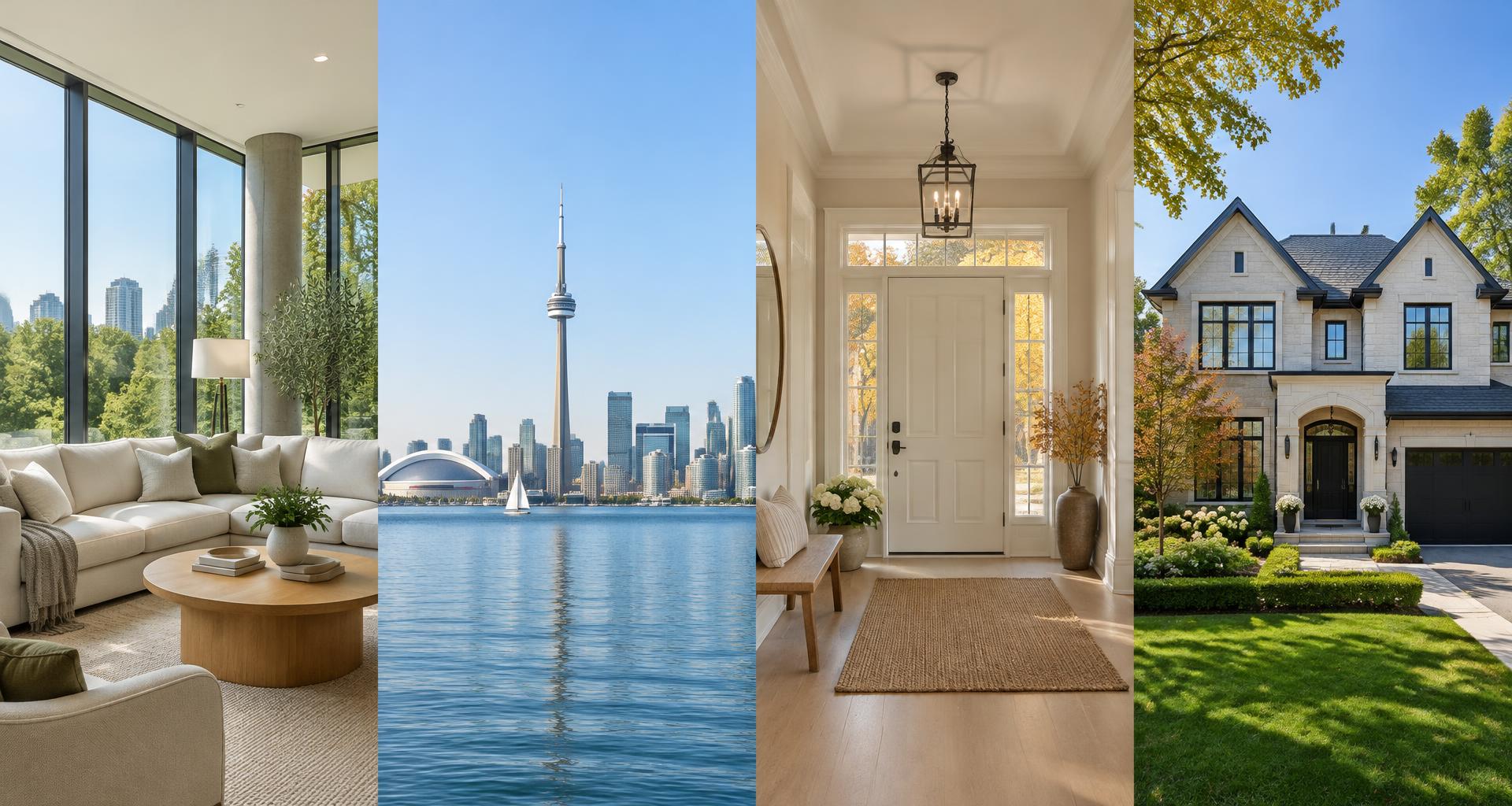
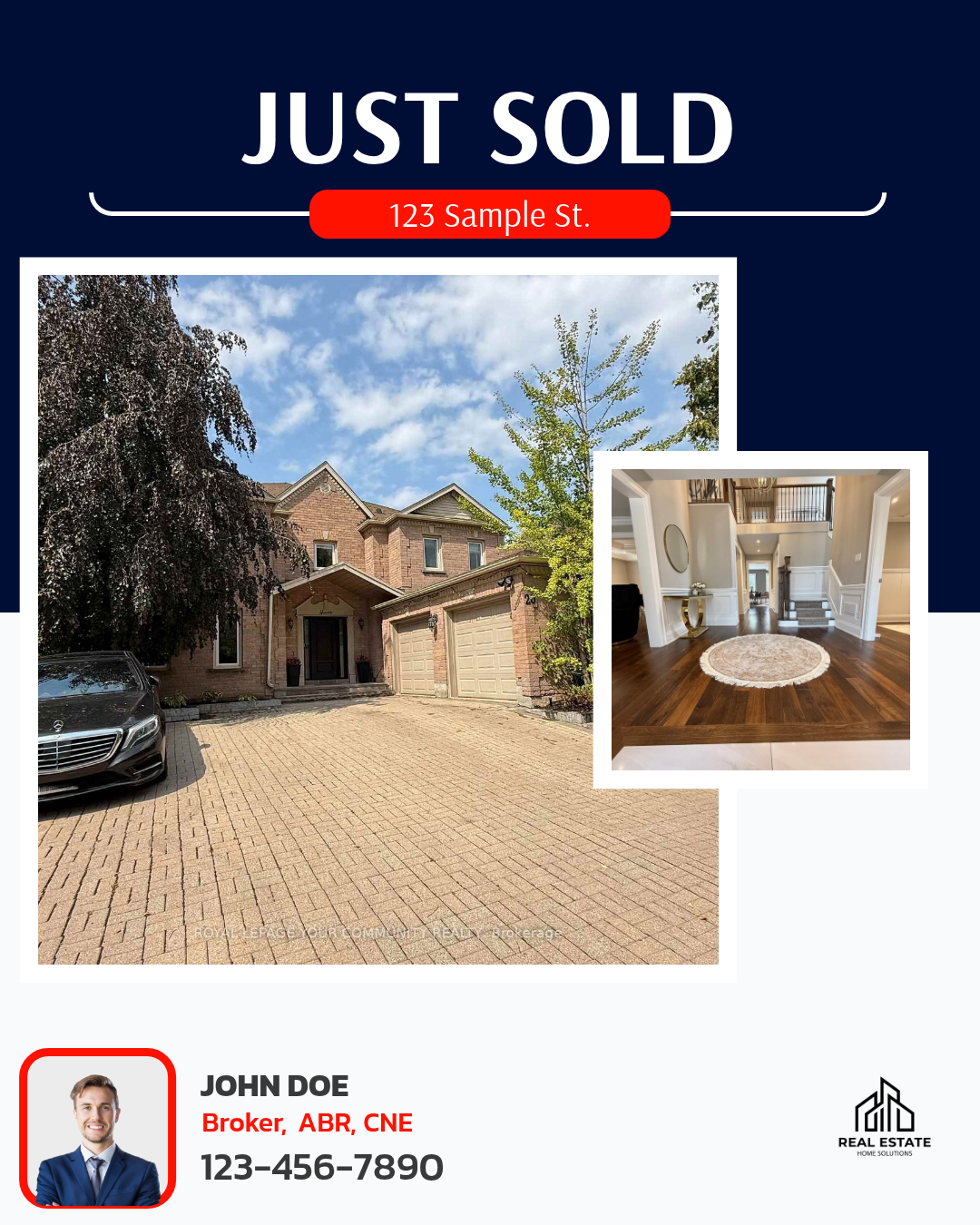
Sample content · October 26–29, 2026
A NEW LISTING or SOLD LISTING starts the process.
Your social media draft is created automatically.
With Premium Plus, approve and post in one tap.
Every time you get a NEW LISTING or a SOLD LISTING, you'll receive a congratulations email. Click it to go straight to your Content Calendar, where your post is already drafted and waiting for you.
Your drafted post is ready and waiting for you.
Open my Content CalendarEvery draft is ready to preview. Premium Plus makes it ready to post.
Approve & post with one tap

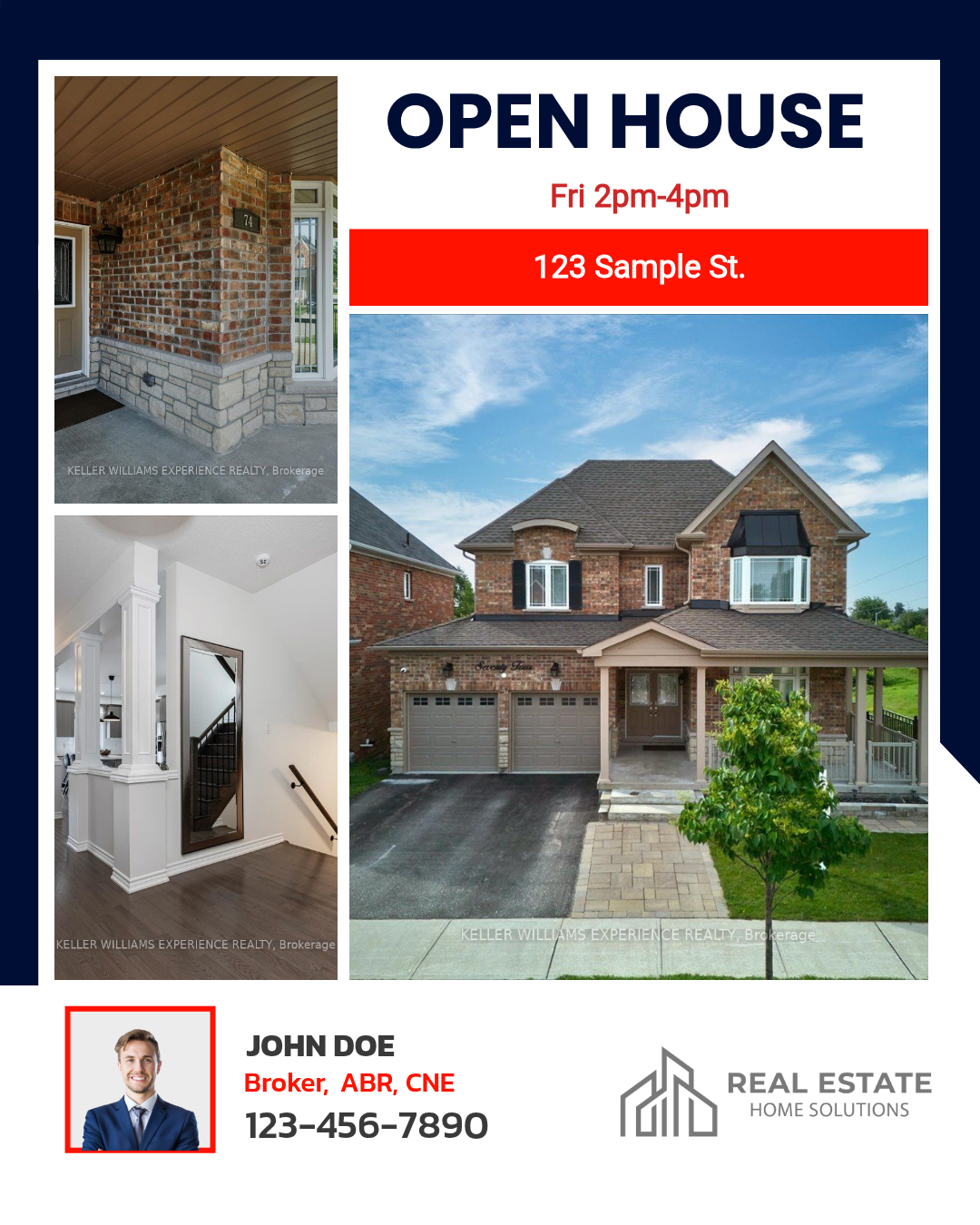
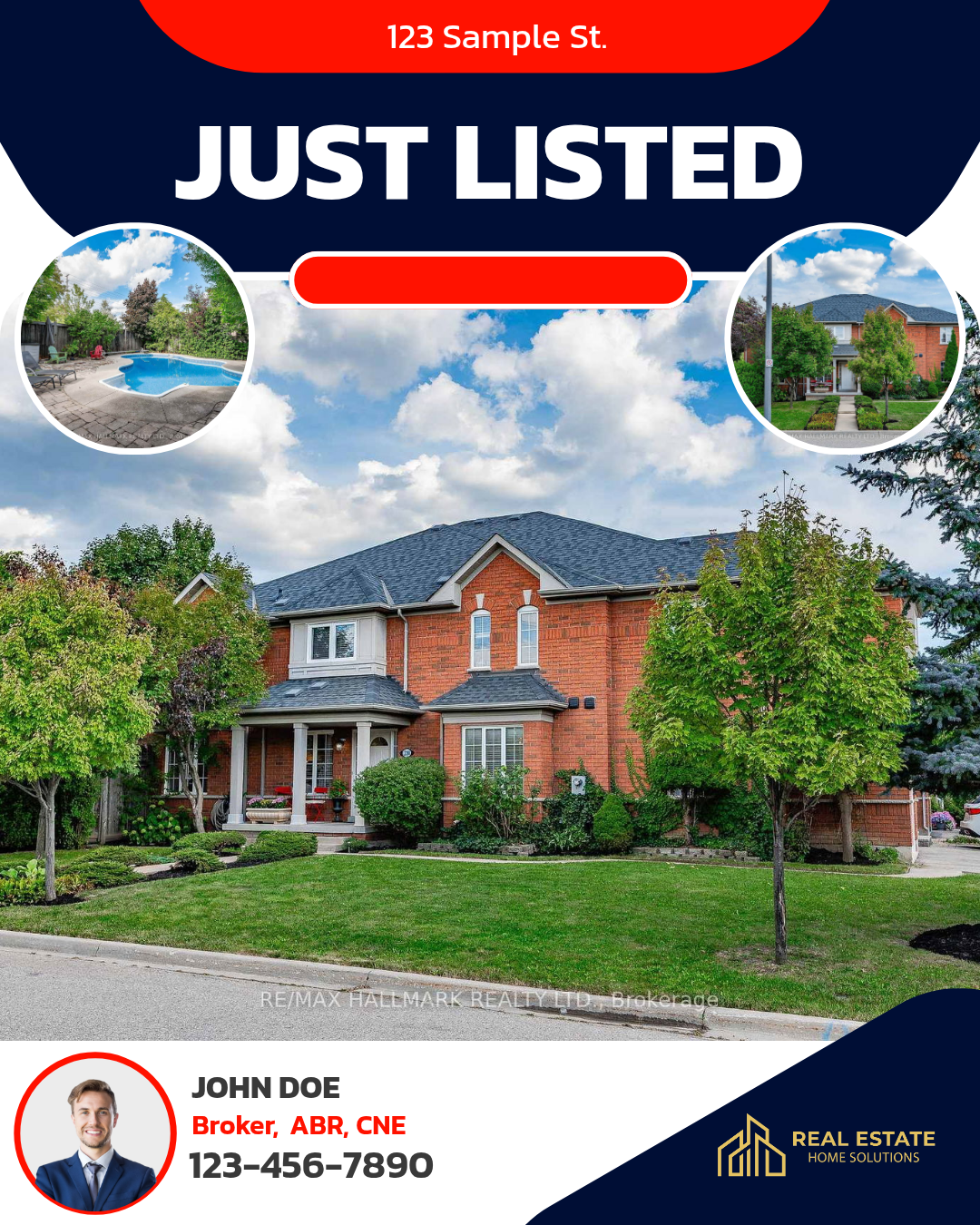
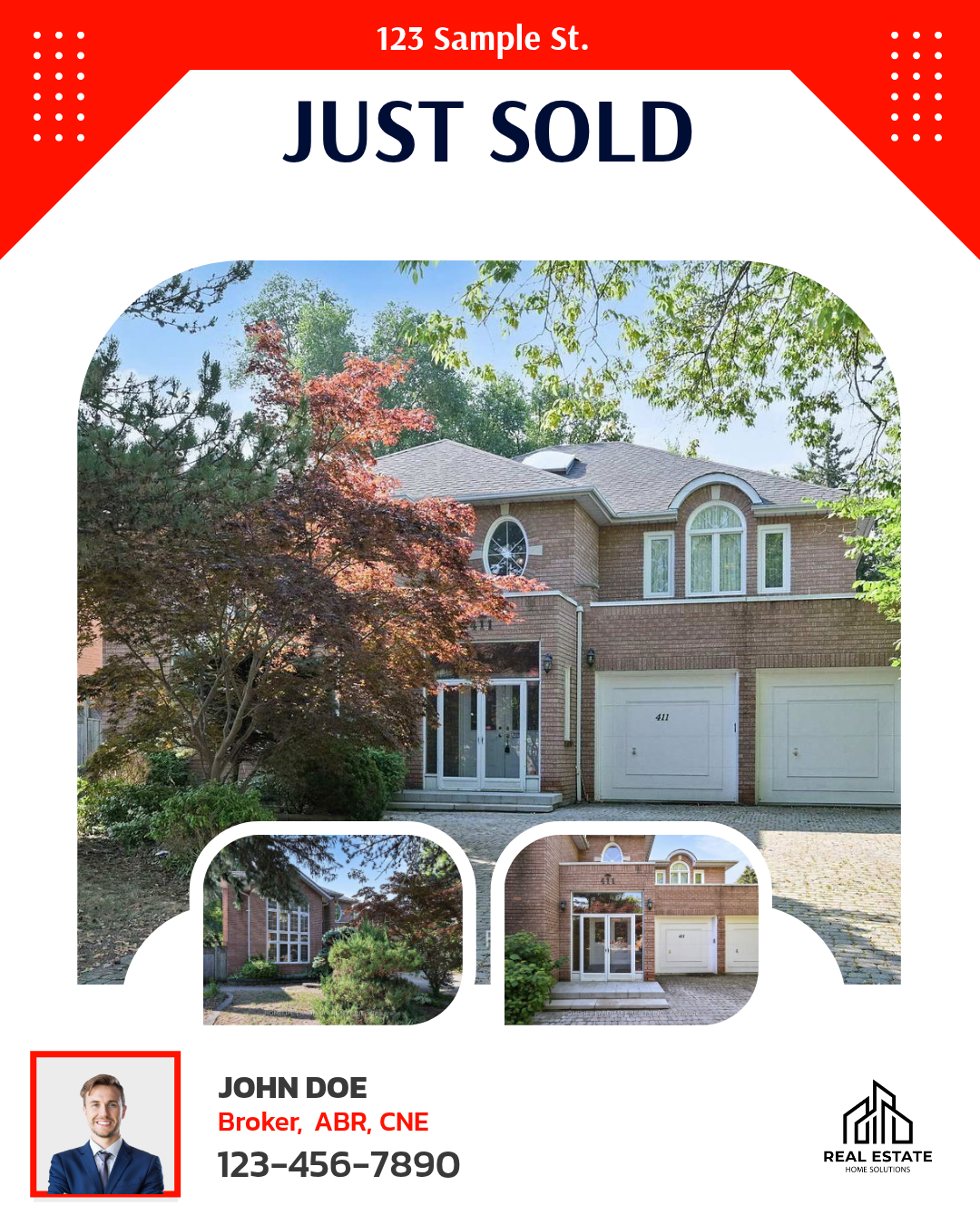
NEW LISTING and SOLD LISTING automatically generate a draft in your Content Calendar.
Yes, you can review and preview your drafts in your Content Calendar before they are published.
It posts directly to the social media channels you have connected and configured in your Hub Channel settings.
On the Premium plan, your drafts are created automatically for you to preview and download. To approve and post them directly with one tap from your calendar, you can upgrade to Premium Plus.
Open your Content Calendar. Your next post is already there.